


Need a Python notebook that already runs?
ganymede is an open collection of Jupyter notebooks from Eugo: worked case studies on public NOAA and Copernicus data, small runnable programs for Ray Core, Ray Data, Ray Serve, Ray Train and Ray Tune, short demos of popular Python libraries, and smoke tests for Python packages and native libraries. The notebooks use open-source Python packages that you install yourself, mostly with pip, and the source is on GitHub under the BSD 3-Clause License.
Eugo is building the performance cloud. We’re making high performance computing the default for every engineering team. None of these notebooks needs Eugo.
Who it is for
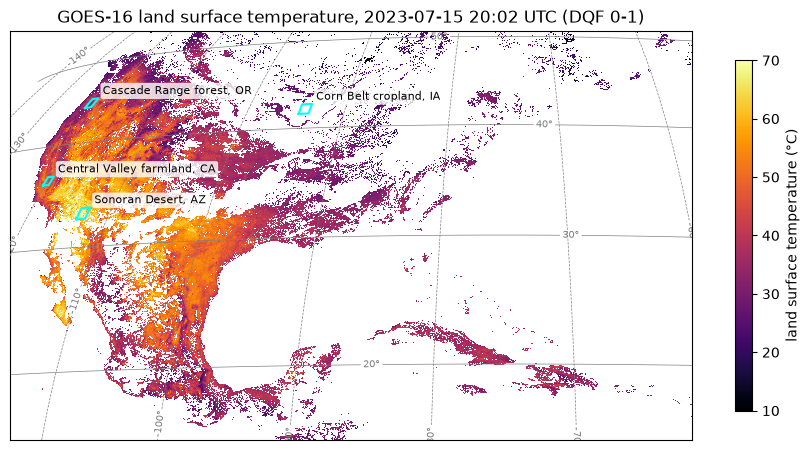
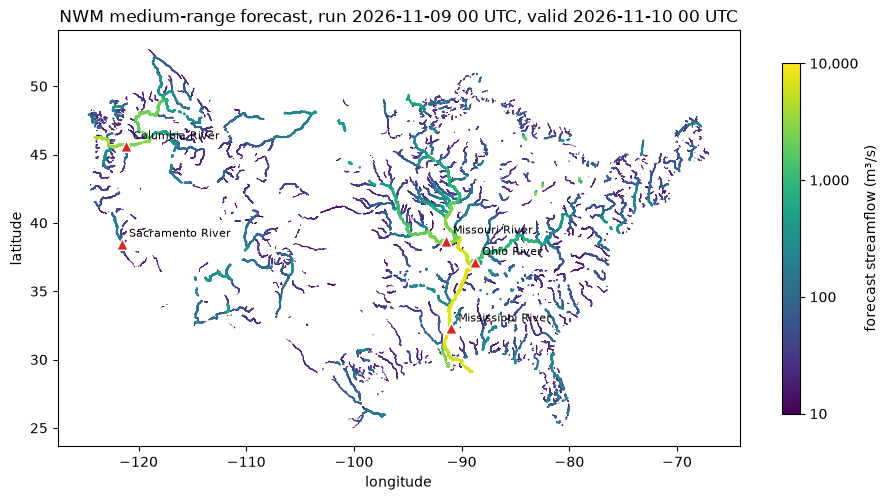
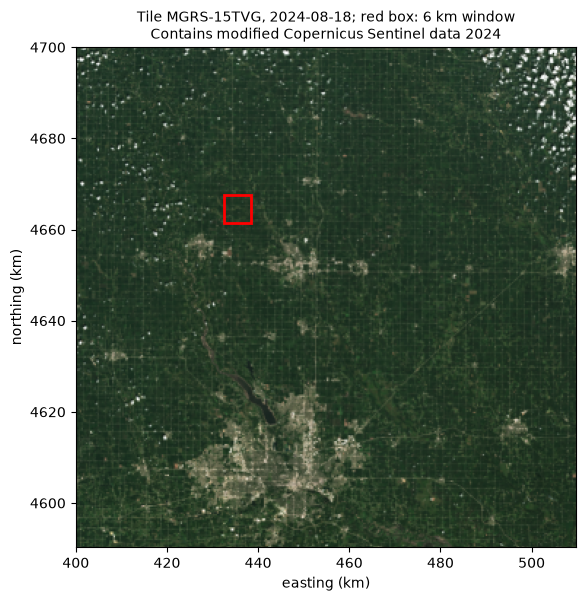
Section titled “Who it is for”- Scientific and geospatial Python users who want to read public satellite and hydrology archives (GOES-16, the National Water Model, Sentinel-2) straight from cloud storage with xarray, rasterio and STAC, and then scale the same step out with Ray.
- Ray users looking for one short, runnable example of a Ray feature: tasks and actors, datasets, model serving, distributed training or hyperparameter tuning.
- Anyone checking an environment: the package smoke tests show quickly whether an installed Python package or native library actually works.
What is in it
Section titled “What is in it”Gallery
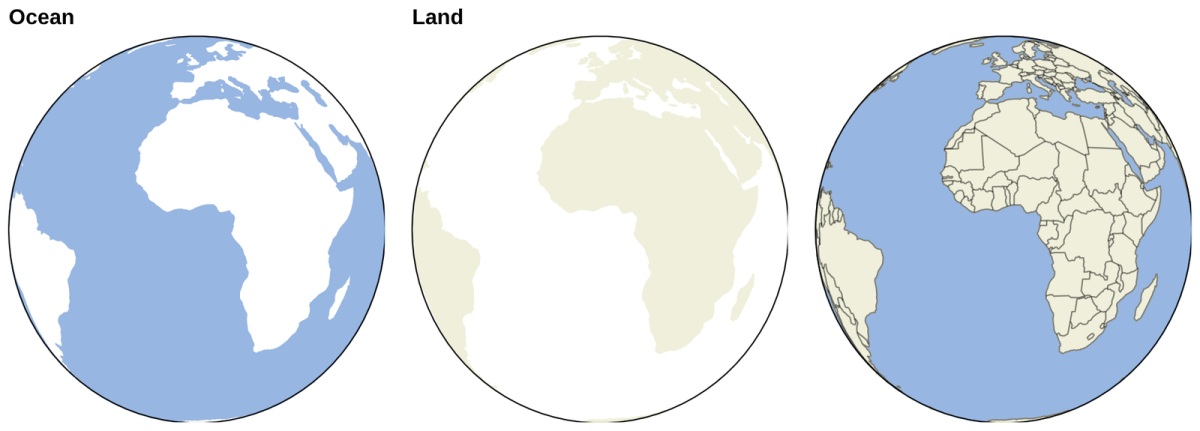
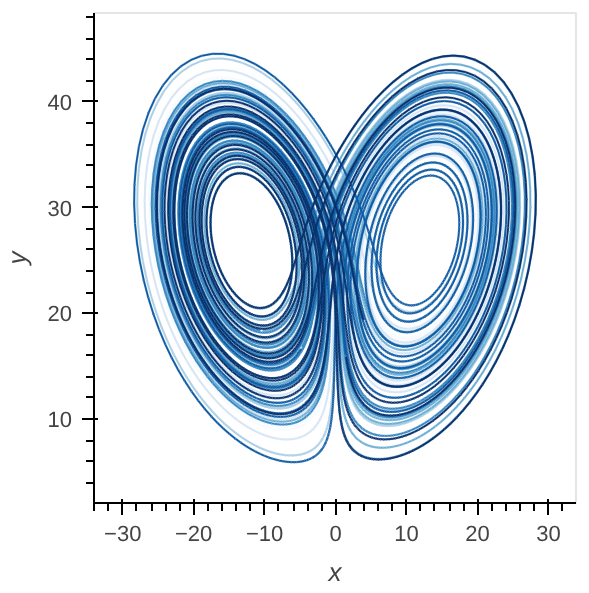
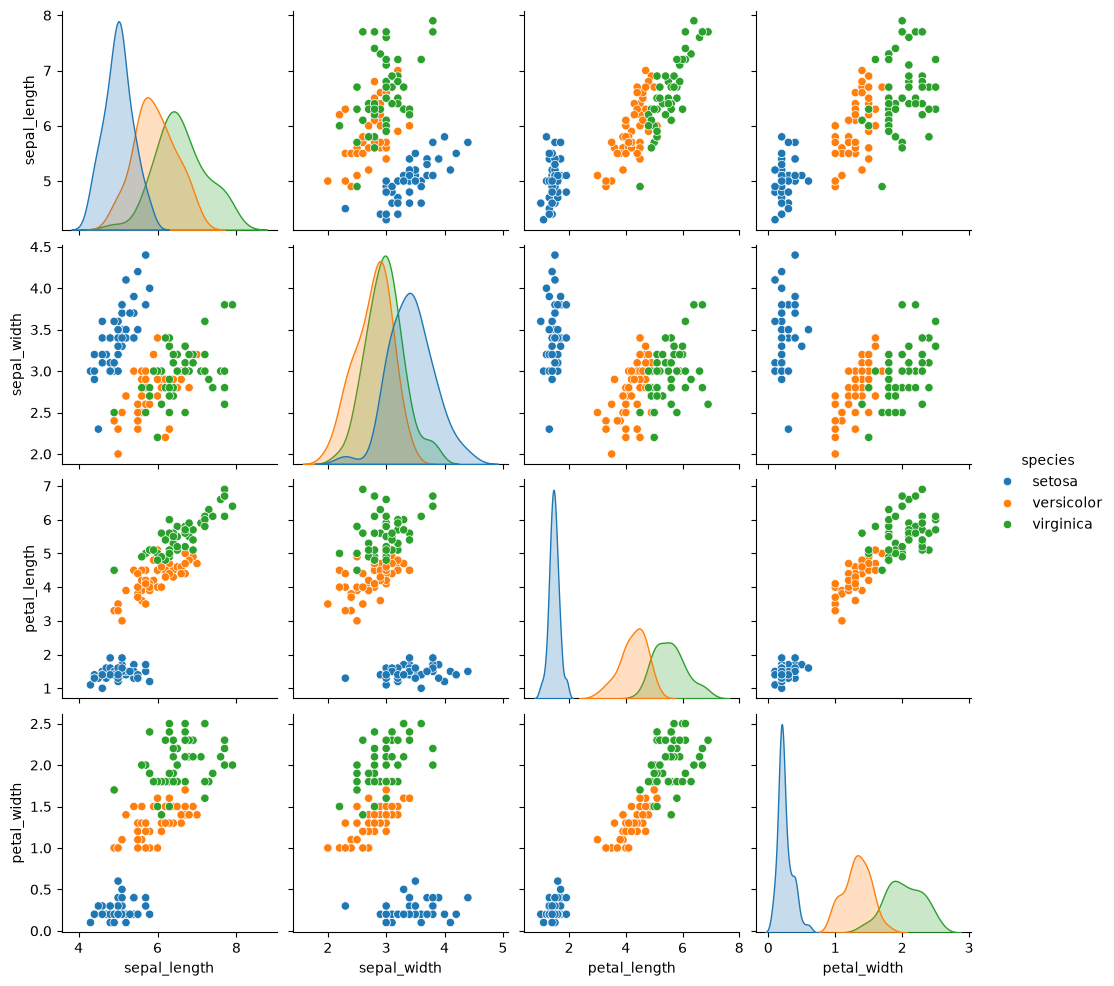
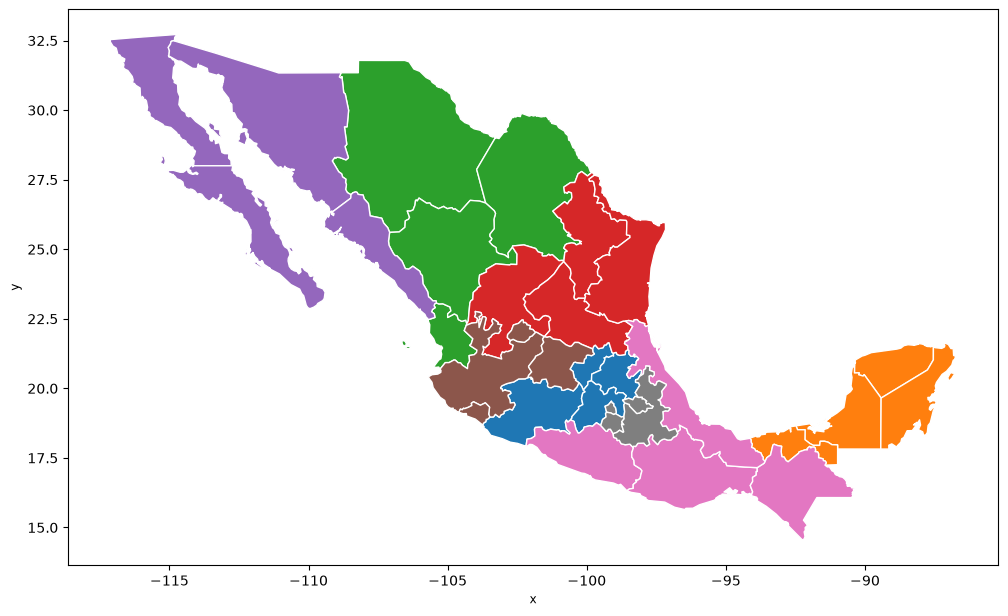
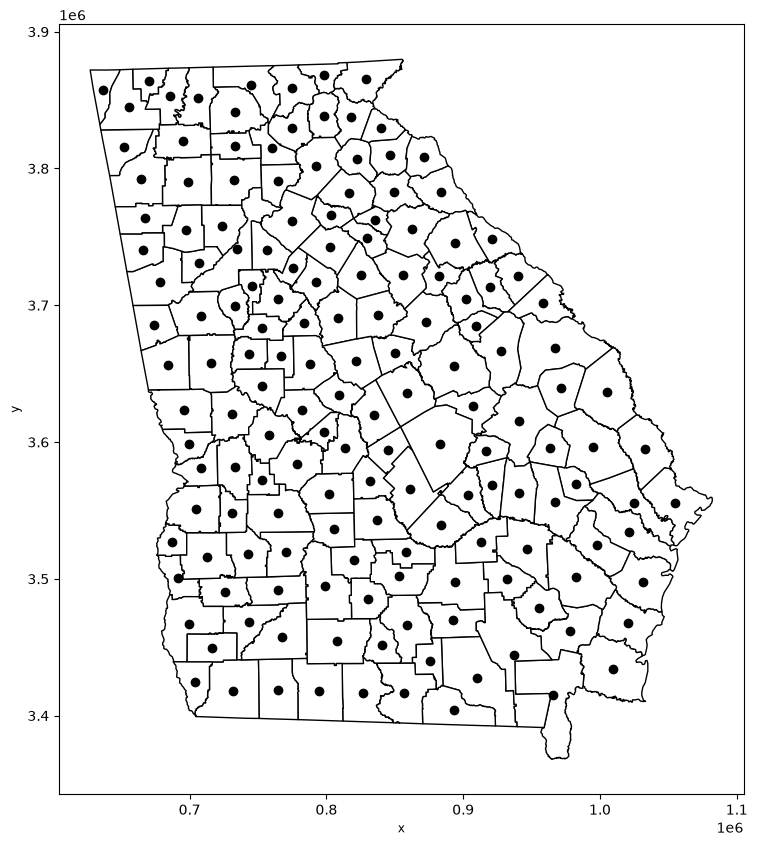
Section titled “Gallery”Figures from the notebooks, as committed in the repository. Select one to open its notebook.
Run the notebooks locally
Section titled “Run the notebooks locally”-
Clone the repository and make a virtual environment:
Terminal window git clone https://github.com/eugo-inc/ganymede.gitcd ganymedepython -m venv .venv && . .venv/bin/activate -
Install what the notebooks you want need, then run them.
Ray patterns: install Ray and open any notebook. Some patterns need extra libraries (for example
torch,lightgbm,xgboostoroptuna); the Ray patterns page lists what each one needs. Keepprotobufbelow 7: Ray Serve 2.55.1 does not work with protobuf 7.Terminal window pip install "ray[default,data,serve,train,tune]==2.55.1" "protobuf<7" jupyterlabjupyter lab ray_patterns/Package tests: install the runner and the package you want to test, then run its notebook.
Terminal window pip install -r package_tests/python/requirements.txt numpypytest package_tests/python/numpy.ipynbNative checks: point the runner at an install prefix.
Terminal window python package_tests/native/run_native_checks.py --prefix /usr/local -k zlib_ng -
For the demo notebooks that connect to a database or a cloud service, set the environment variables that the Environment variables cell right after each title lists. The case studies need no account: every read is anonymous.
- Source code: github.com/eugo-inc/ganymede
- Cite: doi:10.5281/zenodo.24117548 (all versions; see How do I cite ganymede?)
- License: BSD 3-Clause, Copyright (c) 2026, Eugo, Inc. Adapted examples keep their own licenses; see THIRD_PARTY_NOTICES.md.
- Contributing: CONTRIBUTING.md · Security: SECURITY.md
- A plain-text index of every page for AI assistants: llms.txt
- Eugo: eugo.io
 ganymede is made by Eugo